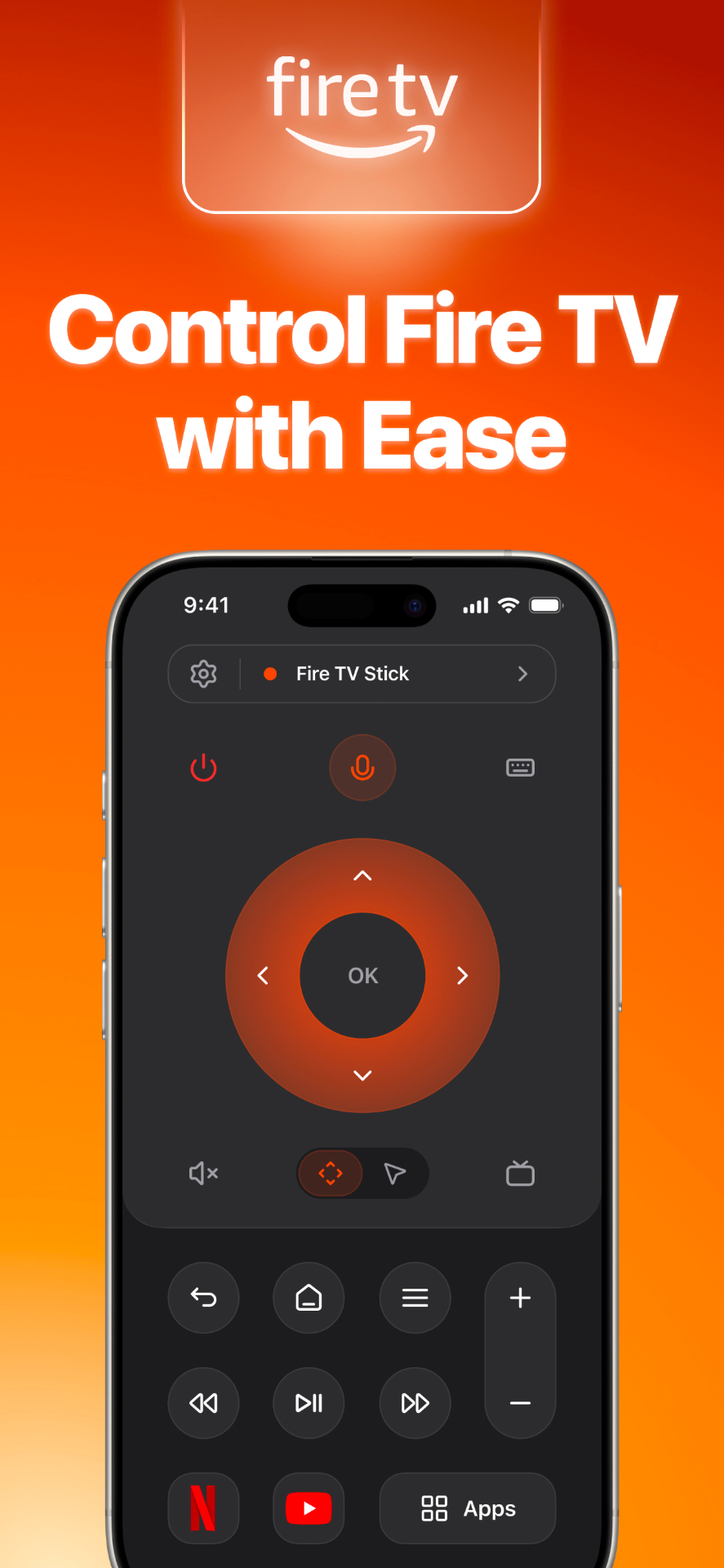
Control Fire TV with Ease
A fluid directional pad, voice search, and instant power — everything where your thumb expects it.
Pair instantly with a PIN, glide through menus with a trackpad, launch any app, and keep the remote a tap away — from your Lock Screen, widgets, or Apple Watch.
Every feature, polished
A fluid directional pad, voice search, and instant power — everything where your thumb expects it.
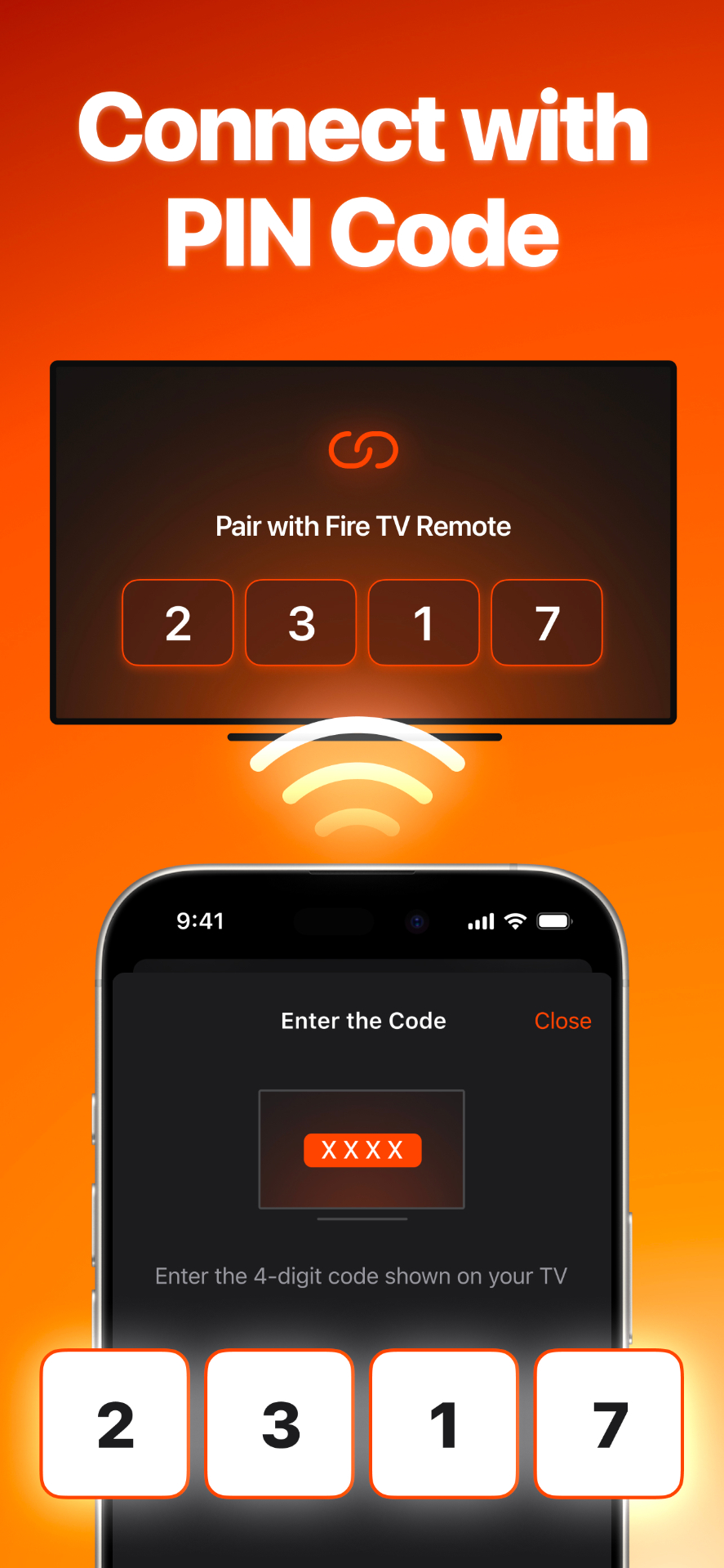
Pair in seconds. Enter the 4-digit code shown on your TV and you're ready to stream.
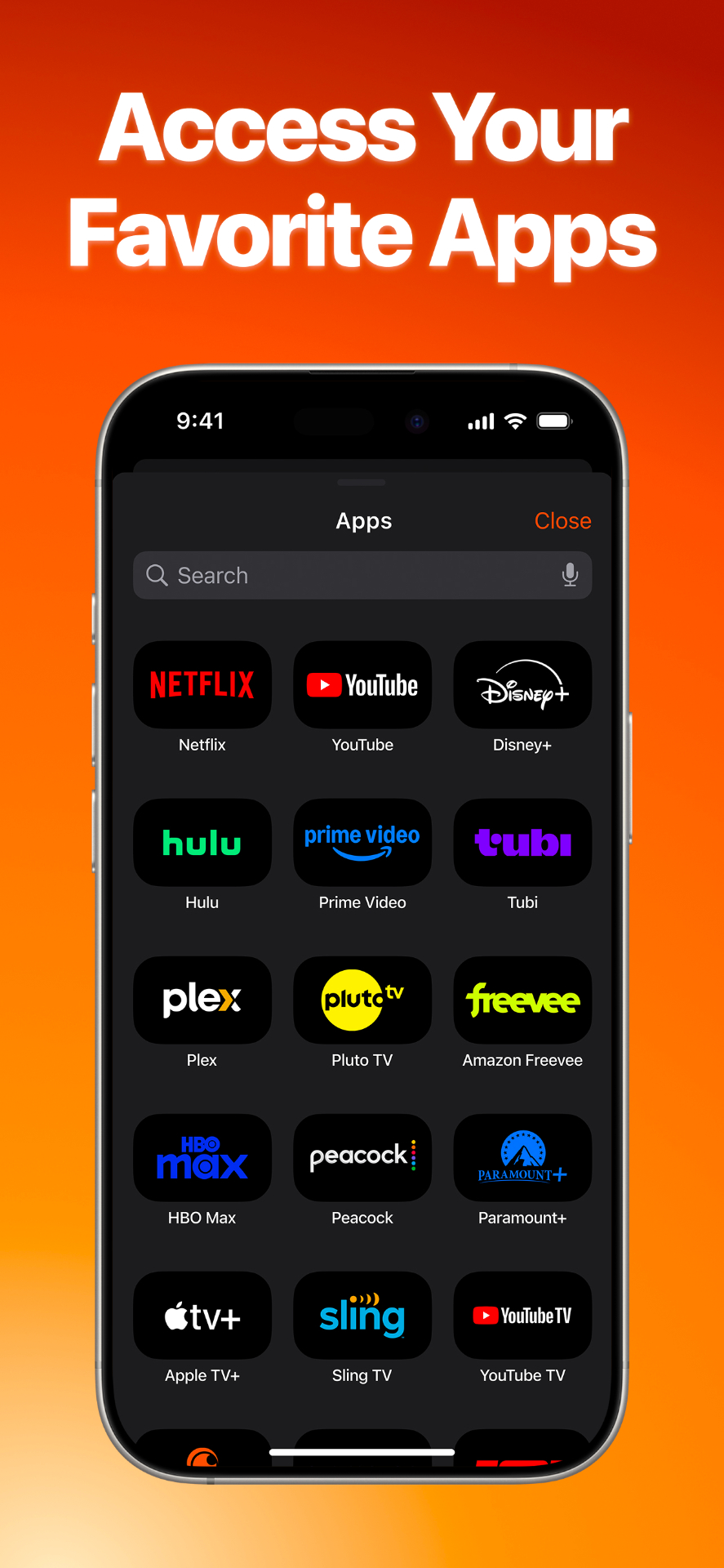
Jump straight into Netflix, YouTube, Disney+, Hulu, Prime Video, HBO Max and more.
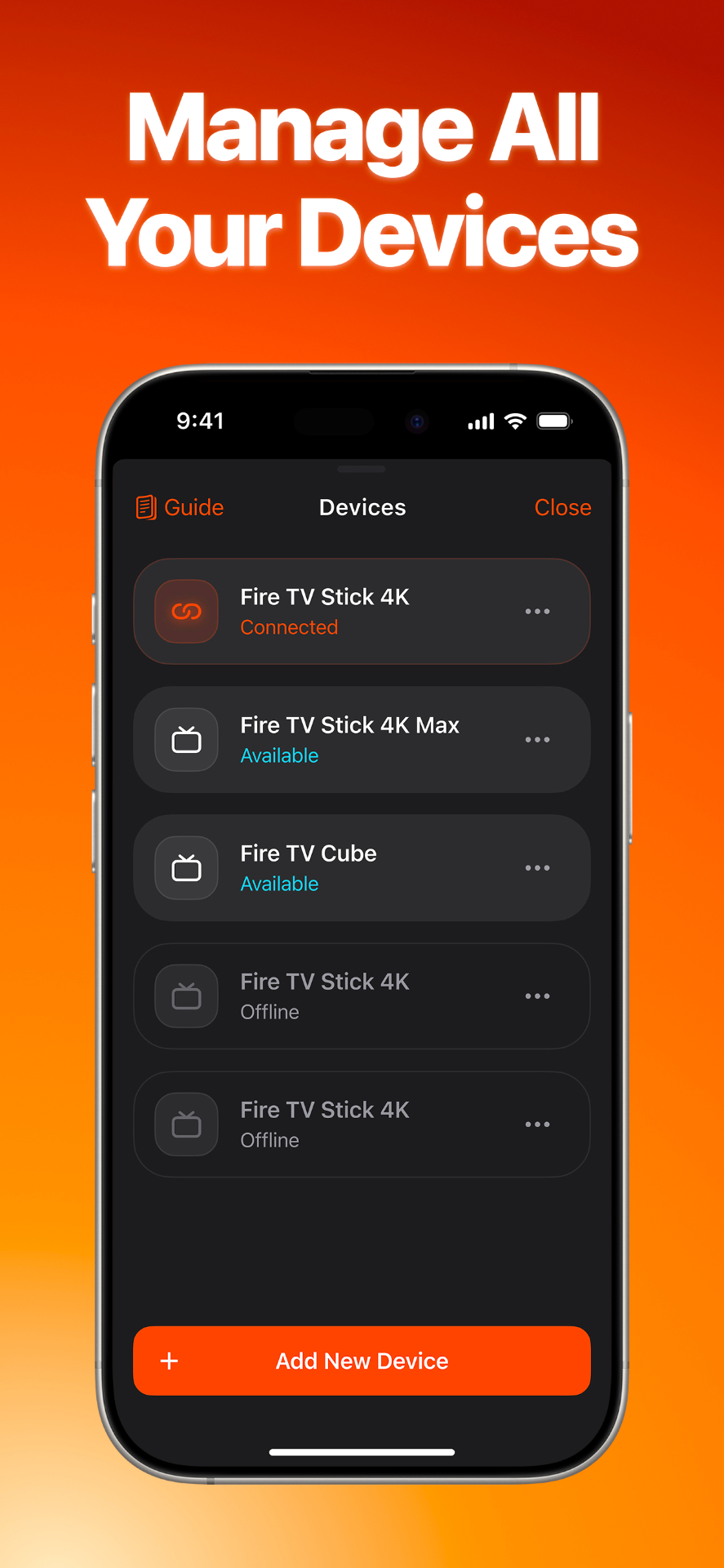
Switch between Fire TV Stick, 4K Max, and Cube. See what's available at a glance.
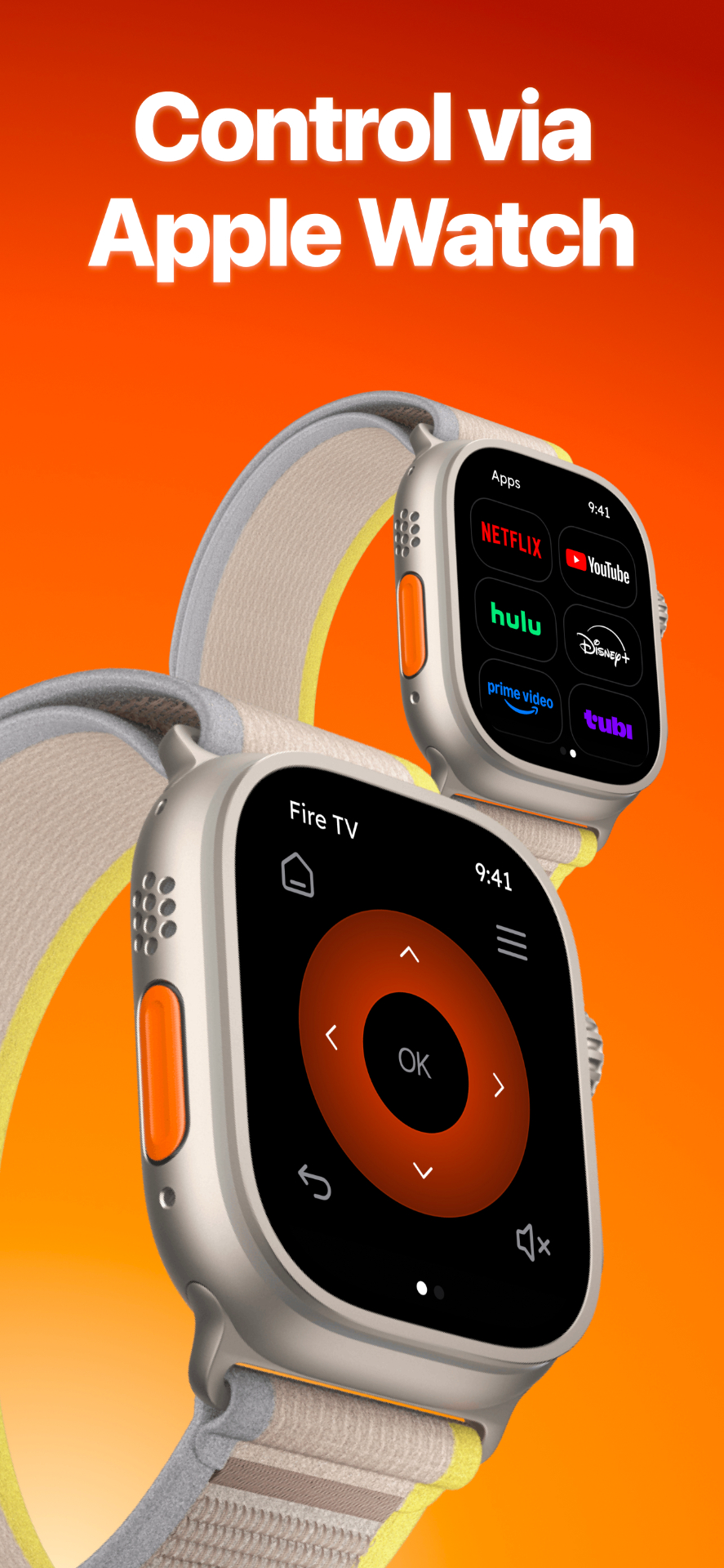
Native Apple Watch app. The remote is always on your wrist.
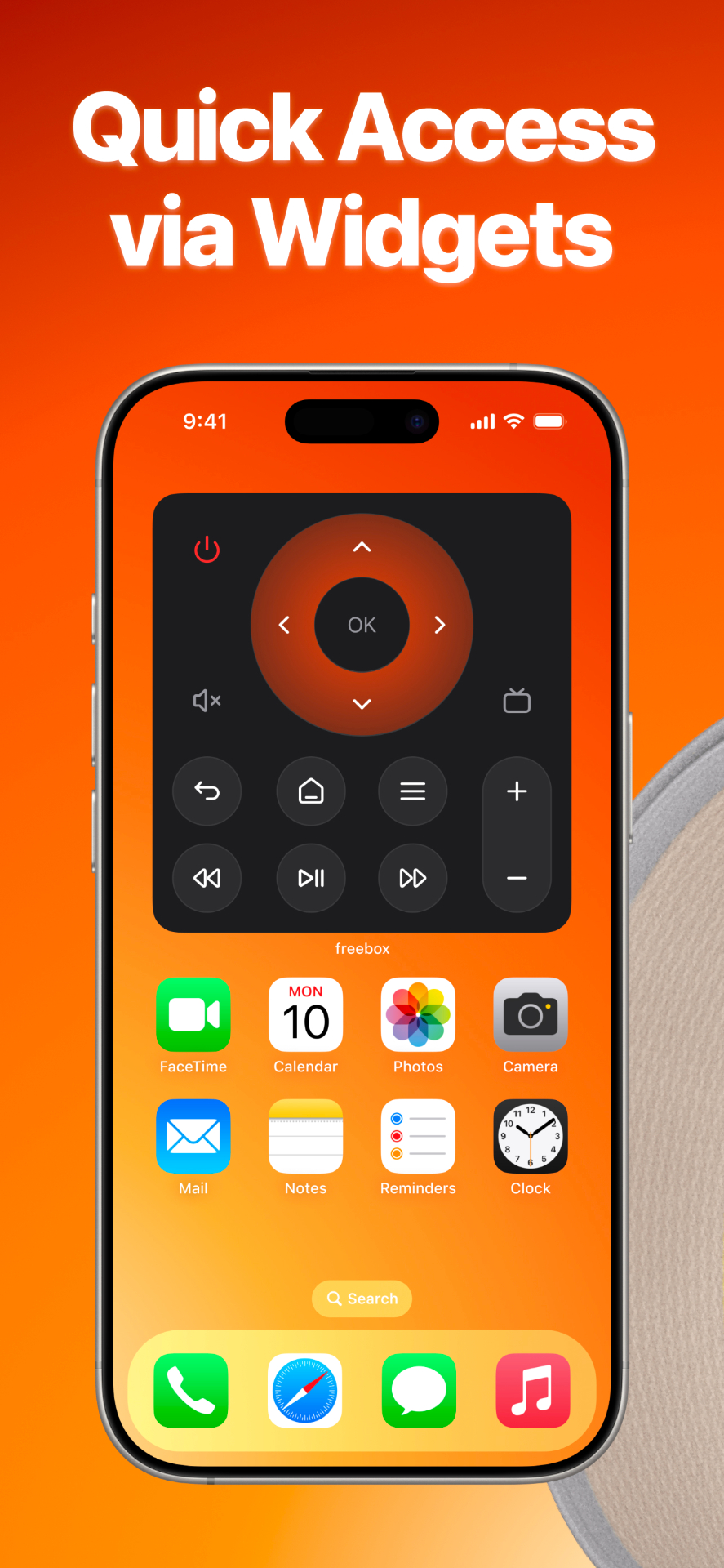
Home Screen widgets bring the full remote into a single tap.
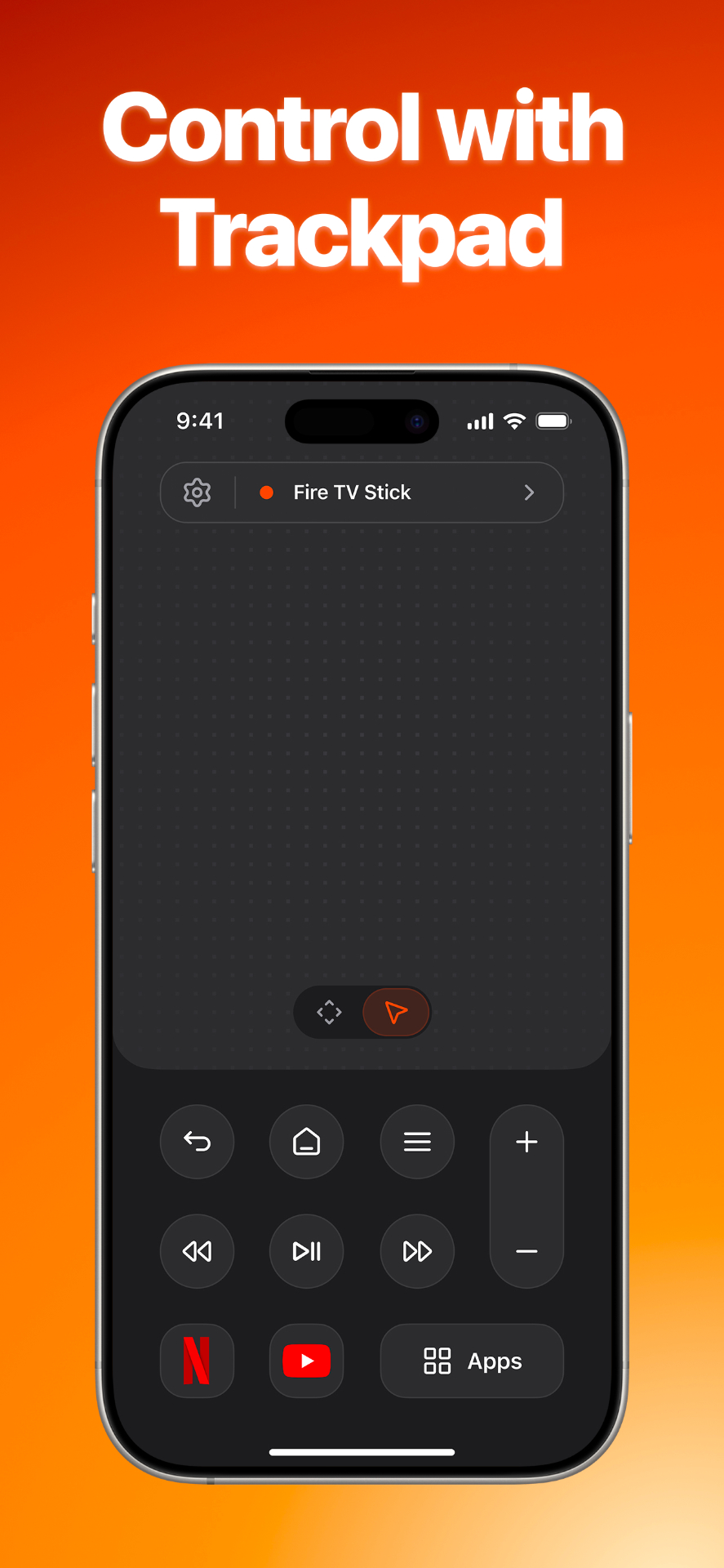
A buttery-smooth trackpad mode for browsing and typing — just glide.
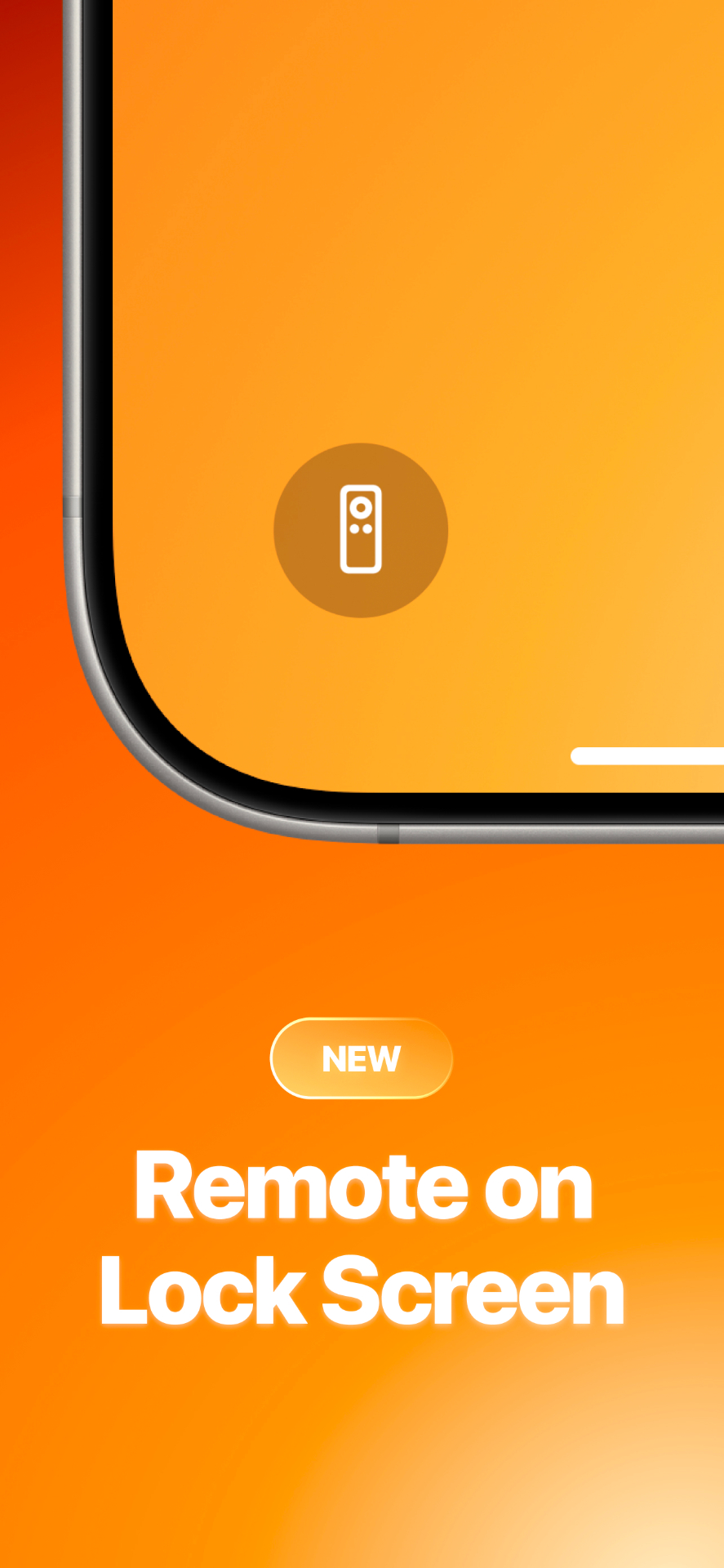
New: pin the remote to your Lock Screen. No unlock, no app open — just press.
Connect with a 4-digit PIN. No accounts. No setup.
Your commands stay between your phone and your TV.
Native widgets, Lock Screen, Watch, and Live Activities.
Fire TV Stick, Fire TV Stick 4K, 4K Max, and Fire TV Cube — any generation that supports remote pairing over Wi-Fi.
Yes. Your iPhone and Fire TV must be on the same network for the remote to communicate.
Yes — the core remote is free. A subscription unlocks Apple Watch, widgets, Lock Screen control, and removes ads.
Subscriptions are managed in your App Store account settings and can be cancelled any time.

Download FireCast Remote and turn your iPhone into the only Fire TV remote you'll need.